 Qwail
QwailThe wallet that outlasts quantum.
Qwail holds your QWAI and tokens behind post-quantum keys, and connects you to every app on Qwai.
Everything a wallet should do.
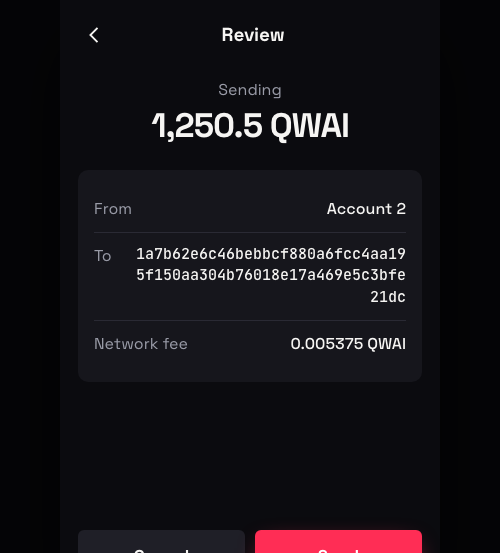
Send and receive in a second
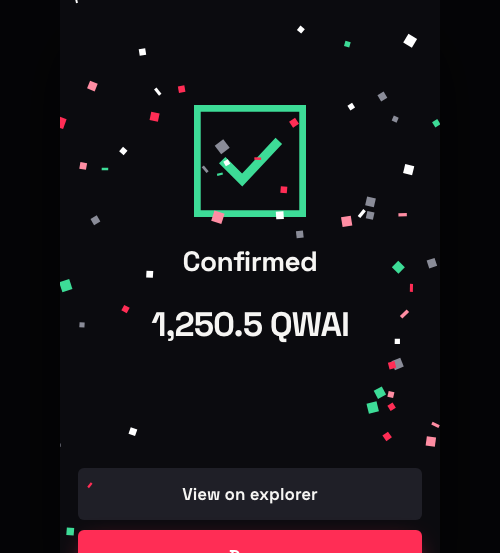
Blocks on Qwai are final at once. When Qwail says it is done, it is done.
Tokens
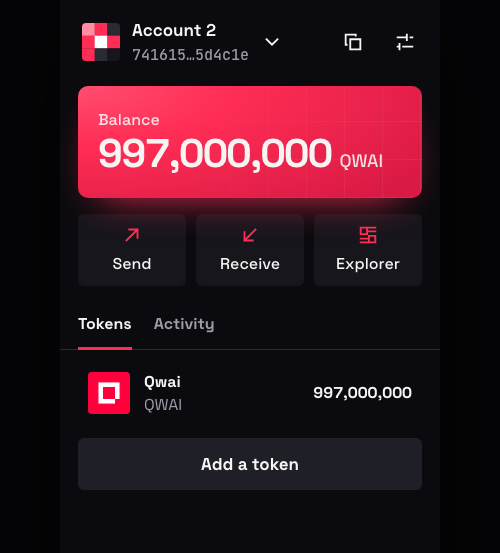
Every token you hold, with balances that update as blocks arrive.
Connect to apps
One click to connect to Qwaix and any other Qwai app. Every request is shown to you before anything is signed.
Many accounts
Keep as many accounts as you like and switch between them instantly.
Full history
Every payment, token move and contract call, with a link to the explorer.
24-word recovery phrase
One phrase restores your wallet on any computer. It never leaves your device, and Qwail never sees it.
Keys a quantum computer cannot work out.
Other wallets sign with elliptic curves. Qwail signs with the post-quantum standards the Qwai chain is built on.
- ML-DSA keys on every account, the lattice standard FIPS 204.
- Two-key protection. Turn it on and every transaction needs a second, hash-based signature as well. A breakthrough against one kind of math is not enough.
- Encrypted on your device. Your keys are sealed with AES-256 under your password and never sent anywhere.
- Locks itself. Qwail locks after a time you choose.
- You approve everything. A site can ask. Only you can sign.
Install in a minute.
Download and unzip
You get a folder named qwail.
Open Chrome's extensions page
Type chrome://extensions in the address bar.
Turn on Developer mode
The switch is at the top right of that page.
Load unpacked
Choose the qwail folder. Pin Qwail to your toolbar and open it.
Building an app?
Qwail gives every page window.qwail. Ask to connect, ask to sign, and the wallet does the rest.
const { address } = await window.qwail.connect();

await window.qwail.signAndSend({
  kind: 'transfer',
  to: '<address>',
  amount: '25',
});